Where Does AI Store Your Conversations — Memory, Privacy, and Training Policies Compared
Compare how Claude, ChatGPT, and Gemini store your conversations, use them for training, and let you opt out. Plus the local vs cloud memory distinction in Claude Code.
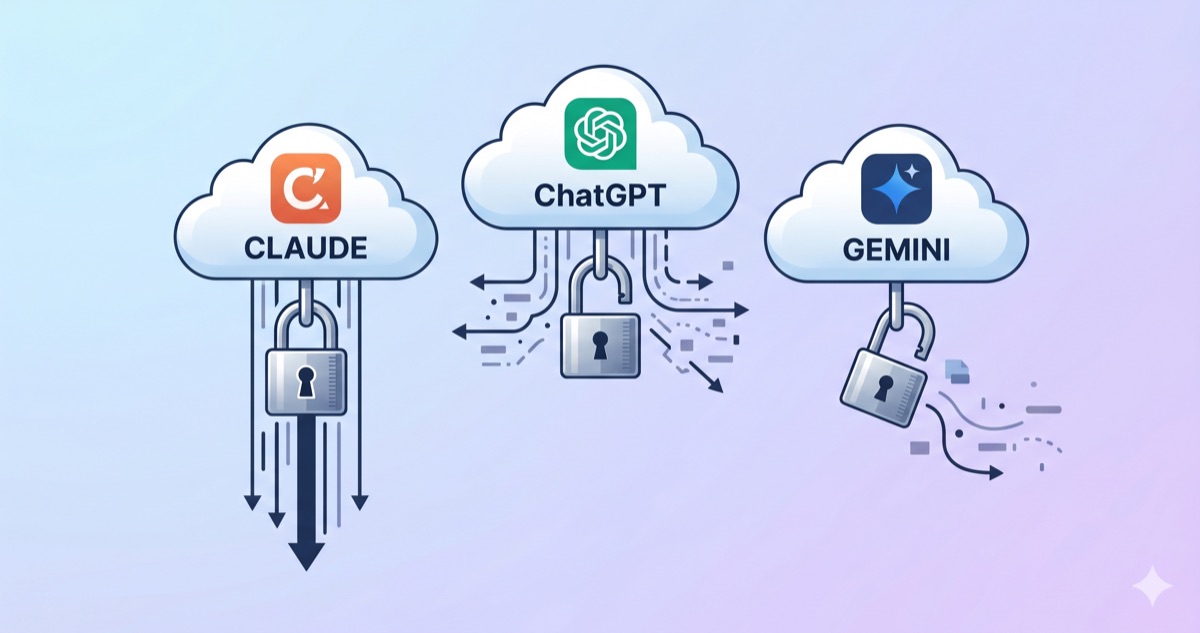
AI memory privacy matters more than you think. Before you hand sensitive work documents to an AI, there's one thing you should check. Where your conversations are stored, whether they're used for AI training, and whether you can turn that off.
This guide compares the memory systems and privacy policies of Claude, ChatGPT, and Gemini. The same "memory" feature works very differently across platforms when it comes to storage location, training usage, and sharing scope.
What Memory Actually Remembers
All three platforms offer a "memory" feature that carries information about you from one conversation to the next.
| What it remembers | What it doesn't |
|---|---|
| Your name, role, style preferences | Full conversation transcripts (stored separately) |
| Tools and tech you frequently use | Temporary context (only valid for this chat) |
| Recurring request patterns | Sensitive information (intentionally excluded) |
Memory is closer to "user profile notes." It's not the same as storing every word of every conversation.
Storage Location — Cloud vs Local
This is where the key difference emerges.
Web AI (claude.ai, chatgpt.com, gemini.google.com):
Both conversations and memory are stored on each company's cloud servers. Nothing stays on your device. Log in from another machine and you see the same memory.
Claude Code (terminal/VS Code):
Claude Code's memory is stored as files on your local computer at ~/.claude/projects/. These Markdown files don't sync to the cloud and aren't shared with other devices.
| Feature | Web AI (Claude/ChatGPT/Gemini) | Claude Code |
|---|---|---|
| Storage location | Company cloud servers | Local computer (~/.claude/) |
| Cross-device access | Yes (login) | No (that machine only) |
| Memory sharing | Shared across web/app | Not shared with claude.ai |
| Deletion | Settings menu | Delete the file directly |
Key point: What claude.ai (web) remembers, Claude Code (terminal) doesn't know. They are completely separate memory systems. ChatGPT also has gaps — web memory doesn't carry into GPTs.
Is Your Data Used for Training
This is the most sensitive question. Here's each platform's policy.
Claude (Anthropic)
- Default: Free, Pro, and Max plans all use data for training (default ON)
- How to opt out: Settings → Privacy → "Help improve Claude" OFF
- If you opt out: Data retention shortens to 30 days
- If you stay in: Retained for up to 5 years
- Business plans: Claude for Work, API usage are excluded from training
- Reference: See the Anthropic official documentation for detailed model-specific policies
ChatGPT (OpenAI)
- Default: Free and Plus both use data for training (default ON)
- How to opt out: Settings → Data Controls → "Improve the model" OFF
- Temporary Chat: Turning on "Temporary Chat" excludes that conversation from both saving and training
- Business plans: Team and Enterprise are excluded from training
Gemini (Google)
- Default: Uses data for training (default ON)
- How to opt out: Disable "Gemini Apps Activity"
- Caveat: Disabling also turns off Gmail, Drive, and Maps integrations (extensions)
- Retention: Default 18 months, adjustable to 3 or 36 months
Privacy Policy Comparison
| Feature | Claude | ChatGPT | Gemini |
|---|---|---|---|
| Training by default | ON | ON | ON |
| Opt-out available | Yes | Yes | Yes (with feature trade-offs) |
| Retention if opted out | 30 days | 30 days | Configurable |
| Retention if opted in | Up to 5 years | Indefinite (manual delete) | 18 months (adjustable) |
| Business plan exclusion | Claude for Work | Team/Enterprise | Workspace |
| Deleted chats excluded | Yes | Yes | Yes |
Key takeaway: All three platforms default to training ON. Paying for a premium plan doesn't automatically turn it off. You have to change the setting yourself. AI memory privacy settings are in different places on each platform, so check them when you first sign up.
Practical Recommendations
Personal use (non-sensitive work):
Use web AI as-is, but enable the opt-out setting. This alone addresses most concerns.
Work use (internal documents):
- Use a business plan (Claude for Work, ChatGPT Team, etc.)
- Or opt out of training + avoid typing sensitive data directly
- API usage is excluded from training on all platforms
When you need local storage:
Claude Code keeps memory on your local machine only. Conversations are processed through the API, but instruction files (CLAUDE.md) and memory files never leave your computer.
The Memory Sharing Gap
It's inconvenient that memory built up on claude.ai can't be used in Claude Code, and vice versa. ChatGPT has a similar gap — web memory doesn't work inside GPTs.
The practical solution is managing instructions as files. Write your rules in a CLAUDE.md file and you can copy them to any platform. File-based instruction management, covered in a previous post, pays off here too.
Working With AI From Anywhere — Dispatch Preview
There's one exciting possibility worth mentioning. Claude's Cowork Dispatch feature lets you remote-control Claude Code on your home or office computer from your phone.
Send instructions from your phone while commuting, and Claude Code on your computer accesses local files to do the work. When it's done, you get a push notification. Memory and instruction files stay local, so security and context are both preserved.
In the next post, we'll cover the full Dispatch workflow — how to work with AI anytime, anywhere.
Now that you understand AI memory privacy, you may also want to learn how to set up effective instruction files. Our AI Custom Instructions Guide covers how to configure custom instructions across Claude, ChatGPT, and Grok, and the VS Code AI Instructions Guide explains file-based instruction management in practice.
AI Memory Privacy — Know Before You Use
AI memory is convenient, but you should know where it's stored and how it's used.
All three platforms use your conversations for training by default. Turning it off requires manual action. Web AI and coding tools don't share memory, and neither do different platforms. Managing instructions as files bridges that gap.
If you work with sensitive material, opt out of training, use a business plan, or leverage a local environment like Claude Code. Understanding AI memory privacy helps you make informed choices about which platform to trust with your data.