How to Create Custom Agents in Grok — Make the Most of Your 4 Slots
Grok lets you create up to 4 custom agents, each with its own personality and instructions. Here’s how to set them up, allocate slots wisely, and prevent personality drift.
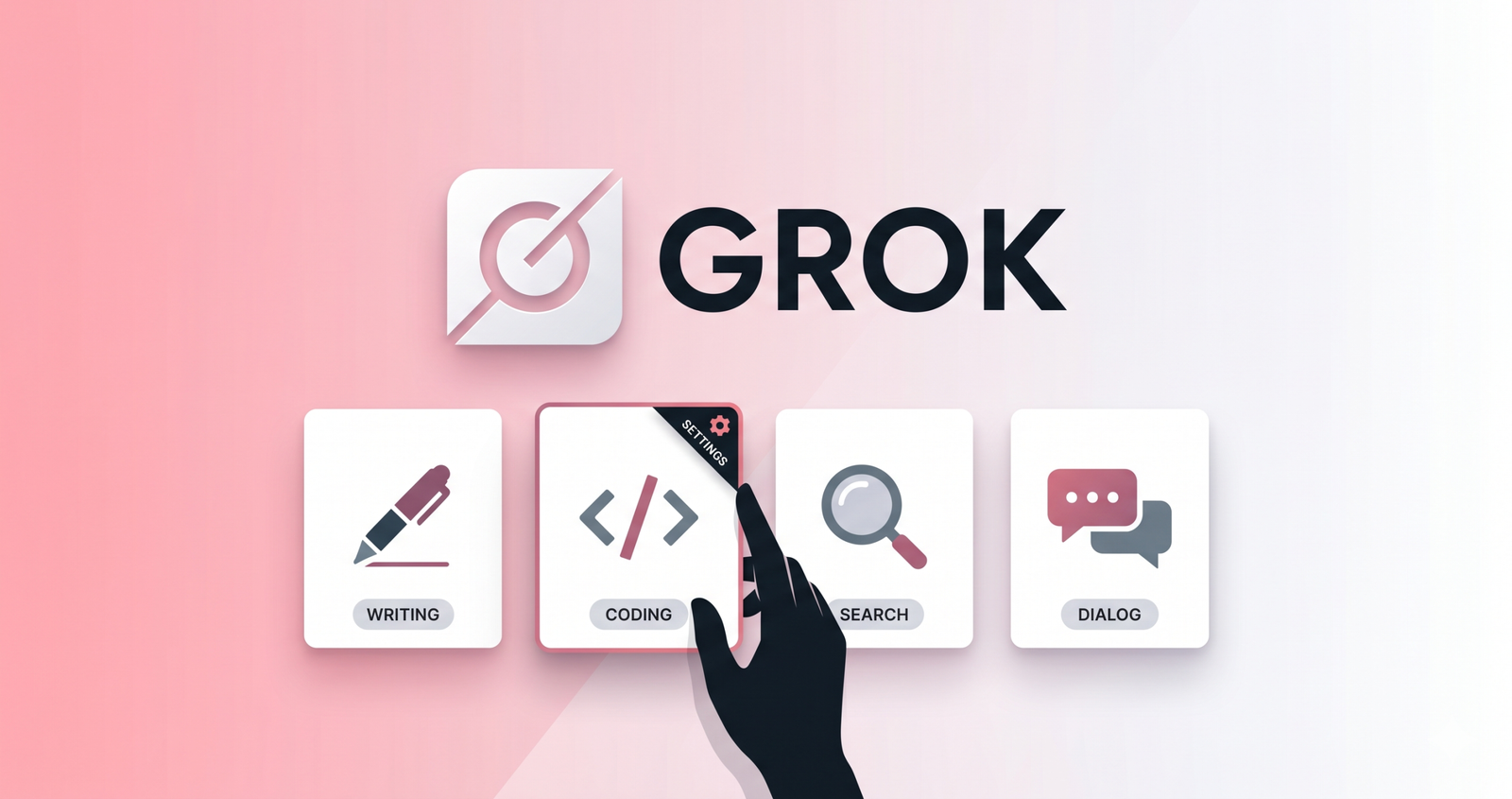
Custom Agents vs Custom Instructions — What Changed
In March 2026, xAI launched Custom Agents for Grok. If you've been using Custom Instructions, the names sound similar but the model is quite different.
Custom Instructions were a single global block — one set of rules applied to every conversation. Think "I'm a developer, always include code examples."
Custom Agents are named AI personas with their own personality and instruction set. You get up to 4, and you pick which one to talk to when starting a conversation. Each agent carries its own tone, focus area, and behavioral rules.
How to Create a Custom Agent
Where to Find It
- Go to grok.com and sign in
- Click your profile icon (bottom-left)
- Settings → Customize → Create Agent
The same path works on the iOS app.
What You Configure
Each agent has these components.
| Field | Description | Tip |
|---|---|---|
| Name | Identifies the agent | Make the role obvious (e.g., "Code Reviewer") |
| Personality | Tone and response style | Be specific — not "professional" but "formal language, structured headings, citations required" |
| Instructions | Detailed behavior rules | JSON format improves consistency |
| Focus area | Domain specialization | Don't overload one agent with too many roles |
Character Limit
Each agent's instructions are capped at 4,000 characters. Custom Instructions previously supported 12,000 characters in late 2025, but the limit was reduced when agents launched. At 4,000 characters, you have roughly two pages of plain text — plenty for a single focused role.
How to Allocate Your 4 Slots
Four slots means you need a strategy. Here are three patterns that work well in practice.
Pattern 1: Split by Task Type
| Slot | Role | Examples |
|---|---|---|
| 1 | Writing | Blog posts, emails, reports |
| 2 | Coding | Code review, debugging, explanations |
| 3 | Research | Data gathering, comparative analysis |
| 4 | General | Brainstorming, casual questions |
The most common setup. Clear role boundaries make agent switching natural.
Pattern 2: Split by Project
If you're juggling multiple projects, dedicate each agent to a project. Bake the project context (tech stack, team conventions, terminology) into each agent's instructions so you don't repeat yourself.
Pattern 3: Split by Tone
Useful when you need different tones for the same subject. For example, "formal documentation" vs "Slack messages to the team" can live in separate agents for clean tone separation.
Preventing Personality Drift
The biggest weakness of Grok Custom Agents is personality drift. In long conversations, agents gradually forget their configured personality and revert to default Grok behavior. This happens in roughly 30% of extended chats.
How to Fight It
- Anchor prompts: Start each conversation with "You are [agent name] mode" to reinforce the persona
- Be specific: "All responses must use numbered headings, bullet lists, and cite sources" beats "be professional"
- Manage conversation length: Start a new conversation after 20+ turns
- Use negative rules: "Never use emoji," "Never use casual language" — negative constraints are surprisingly effective at preventing drift
Grok vs ChatGPT vs Claude
| Feature | Grok | ChatGPT | Claude |
|---|---|---|---|
| Custom instructions | 4,000 chars per agent | 1,500 chars × 2 fields | No hard limit per project |
| Agents/personas | 4 max | GPTs (unlimited) | Projects (unlimited) |
| Memory | Transparent, user-controlled | Auto-learning | Per-conversation |
| Personality stability | Drift in long chats | Relatively stable | Stable |
Grok's agent limit is tighter, but the setup friction is lower and agents integrate with Workspaces for context separation.
Getting Started
The 4-slot limit is actually a feature, not a bug. It forces you to think about your most common use cases and design agents around them. Start by listing the 4 things you use Grok for most, then create an agent for each. If personality drift is a concern, anchor prompts and specific instructions go a long way.