How to Read an API Spec as a Product Manager — Drawing the Same Picture as Developers
When a developer says ‘just check the API spec,’ non-coding PMs freeze. Here is how to read an API spec without writing a line of code — endpoint, request, response, and status codes — so you draw the same picture as your developers and catch gaps early.
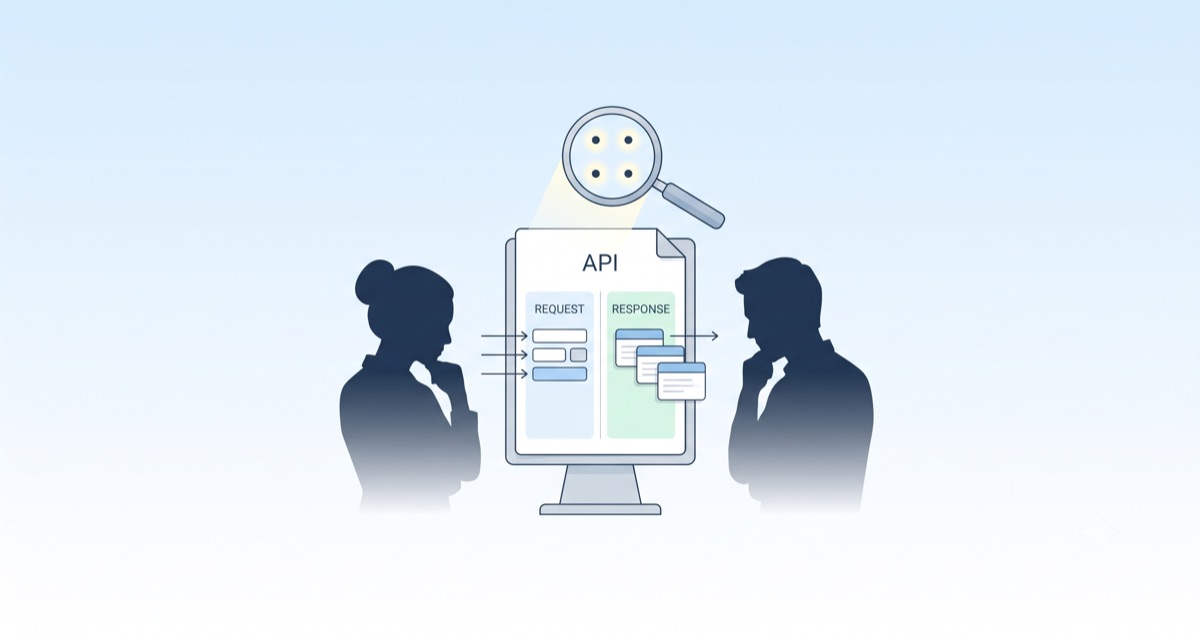
"Just Check the API Spec"
In a planning meeting, a developer drops an API spec link and says "just check this," and a product manager who does not code freezes for a second. A document full of unfamiliar tables and English field names is easy to close with "that's engineering's job." But learning to read an API spec has nothing to do with coding. Once you know a few structures, a product manager can read it — and even catch missing pieces first.
This post breaks down what a product manager should look at in an API spec, at a level that requires zero lines of code. The goal is one thing: drawing the same picture as your developers.
What an API Spec Is — A Contract Between Frontend and Backend
An API is the channel through which the screen (frontend) and the server (backend) exchange data. An API spec is the manual and the contract for that channel. It is a document that agrees, in advance, "send this to this address, and this comes back."
In practice the spec usually arrives as an OpenAPI (Swagger) document or a Notion table, but whatever the format, the way you read it is the same. Why this matters to a product manager is clear. If you designed the screen to show a "points balance" but the response has no balance field, that screen cannot be built. Reading the spec early lets you catch such gaps before development starts. You look at "what goes in and out," not the code.
How to Read an API Spec — The Four Things That Matter
However long the spec is, a product manager's attention narrows to four places.
1. Endpoint — What and How
The endpoint is "what address does what action." It is usually written as a method + path.
GET /users/123— read (fetch)POST /orders— create (make new)PUT /users/123— update (replace wholesale)DELETE /orders/456— delete
Here a product manager only needs to know "is this a read or a create?" For example, "place order" is a create (POST), while "order history" is a read (GET).
2. Request — What You Have to Send
The request is the values the screen sends to the server. In the parameter list, look at each item's name, type, and whether it is required. What matters here is "where on the screen do I collect this value?" If a field is required but there is no input for it on the screen, that screen is under-designed.
3. Response — What Comes Back
The response is the values the server returns — the most important part for a product manager. Check that every piece of data you plan to display is present in the response. If you promised to show "product name, price, stock" but the response has no stock, you need to request it before development.
4. Status Codes — Success and Failure
A status code is the result signal of a request. It comes as three digits.
200— success400— bad request (a value is missing or malformed)401— unauthorized (login required)404— not found (no such data)500— server error
Here a product manager decides "what to show on screen when it fails." Planning copy in advance — "please check your input" for 400, "please try again shortly" for 500 — makes development smoother.
Request and Response, Shown in a Table
Words stay abstract, so here is a condensed form of a real spec. An "order lookup" API looks roughly like this.
| Part | Field | Type | Meaning |
|---|---|---|---|
| Request | orderId | string | order number to look up (required) |
| Response | productName | string | product name |
| Response | price | number | amount paid |
| Response | status | string | order status (paid / shipping, etc.) |
And the actual response comes back looking like this.
[code lang="json"] { "productName": "Wireless Earbuds", "price": 89000, "status": "shipping" } [/code]
A product manager does not need to read these braces as code. Read it as a list of "name: value" — product name is "Wireless Earbuds," price is 89000. Just scan whether everything the screen needs is there.
Questions a Product Manager Should Ask
Rather than trying to understand the whole spec, asking a few questions raises the quality of collaboration sharply.
- Is all the data the screen displays present in the response? If not, where does it come from?
- Are all required request values collected on the screen?
- On failure (400/401/500), what message do we show the user?
- If the list is long, how does paging work?
- If this request is a critical action like payment or ordering, is it safe to press twice? (That is covered in the post on idempotency.)
Why a Product Manager Should Read the Spec
The core, in the end, is drawing the same picture. If a product manager does not read the spec, development starts with the screen design and the actual data out of sync, and that gap only explodes at QA. Reading the spec early stops that at the design stage. This is the same theme as smoke testing to close the PM–developer gap — the later you find a problem, the more it costs.
What a product manager needs is not coding skill but the eye to read "what goes in and out." With that eye alone, conversations with developers click, and meetings get shorter.
Reading Data, Not Code
The essence of learning to read an API spec, in one line: you are not reading code — you are reading four data flows called endpoint, request, response, and status codes. Nail those four and you have understood 90% of the spec, and you can draw the same picture as your developers.
Next time a developer drops a spec link, do not close it — open these four places first. A single "isn't the stock field missing from this response?" prevents days of rework later.