Next.js + Payload CMS Instead of WordPress — Why Teams Are Switching
WordPress runs a site just fine. Yet new sites — especially ones developers build themselves — increasingly pair Next.js with Payload CMS. Why split content management and the display layer at all? Here’s what Payload CMS is, and when this combo wins and when it doesn’t, explained without code.
WordPress Works Fine — So Why Bother?
WordPress is still an excellent tool. A large share of the world's websites run on it, and you can write posts and add plugins with a few clicks in an admin panel. Its biggest strength is that you can run a site without knowing any code. The Payload CMS this post examines fills that same role in a different way.
Yet new sites — especially ones developers build themselves — increasingly reach for a different combination: the Next.js web framework paired with Payload CMS. It splits into two what WordPress did alone, which at first glance looks like making things more complicated. So why do it?
This post covers what Payload CMS is, and when this combination beats WordPress and when it's actually the worse choice — all without code.
What Payload CMS Is — a "Headless" WordPress
Like WordPress, Payload CMS is a CMS (content management system) — it stores and manages your posts, images, and data. The decisive difference is that it's "headless."
- WordPress: Content management and displaying the pages are one and the same. Write a post, and WordPress renders it into a web page for visitors directly.
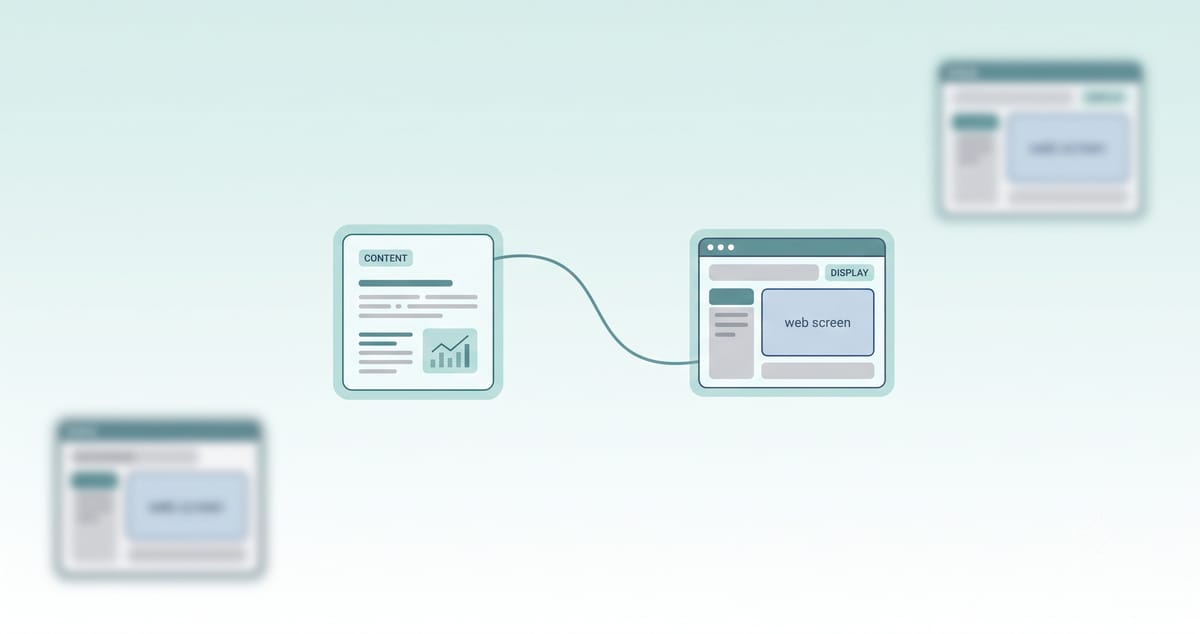
- Payload (headless): It handles only the back end — storing and managing content — and leaves the front end (what visitors actually see) separate. It's called headless because it has no "head" (display). Next.js takes care of the display.
There's a second difference: how you manage it. Where WordPress is configured by clicking in an admin screen, Payload defines your content structure in code. You write, in a language called TypeScript, what data your site holds and what shape it takes. That's familiar and powerful for developers, but a barrier for non-developers — and it's the crux of the trade-off we'll get to.
Why Next.js and Payload Became One
Traditionally, a headless CMS meant running two separate servers — one to manage content and one to render the display. Two things to manage, which was a hassle.
This is where Payload drew attention. Starting with Payload 3, Payload installs right inside a Next.js app and runs together with it. The content back end and the admin panel live inside the Next.js project folder itself. When that change shipped as stable in late 2024, the "Next.js + Payload" combination we see today fell into place as a single project.
To summarize:
| Role | Handled by |
|---|---|
| Content storage & management (back end) | Payload CMS |
| What visitors see (front end) | Next.js |
| Where both live | One codebase, one project |
Why This Combination Is an Advantage
1. Fewer moving parts to manage
With the back end, front end, and admin panel in one project, deployment happens in one shot. The hassle of managing two separate servers disappears. (That said, the database that holds your data is still hosted and managed separately — so it's honest to note it isn't "literally one thing.")
2. The shape of the data never drifts
Define your content structure in code, and Payload generates the matching type information automatically. In plain terms: declare on the back end that "a post has a title and a date," and the front-end display code shares that exact contract. This heads off, from the start, the bugs that come from data shapes mismatching front to back. It forces the developer and the data to draw the same picture.
3. Full control over the display, and speed
Because Next.js owns the display, you can build the design and behavior exactly how you want — no need to fit inside a WordPress theme's frame. And Next.js is a framework strong at search engine optimization (SEO) and fast page loads, which gives you an edge on performance and search visibility.
4. You're not locked to one company
Payload is open source (MIT license). You can host it on any server you like and aren't tied to a specific vendor. You fully own your data and your code.
Worth noting: Payload was acquired by the design-tool company Figma in June 2025, and the announcement stated it will remain open source. That's also a signal that a large company is now backing it.
When It's Actually the Worse Choice
Here's where balance matters. This combination isn't always the answer. There are clear cases where WordPress is still the better call.
- When a non-developer has to run it: Payload is a code-first tool. Without a developer, it's hard to even start. If you want to build a site with clicks alone, WordPress wins hands down.
- When you need it up fast and cheap: WordPress has plenty of hosted options that put a site live in half a day. Next.js + Payload takes development effort.
- When you need a plugin ecosystem: WordPress has tens of thousands of plugins — booking, payments, storefronts, added with a click. Payload is growing, but its ecosystem is still far smaller than WordPress's.
- When self-managing is a burden: Running open source yourself also means you're responsible for the server and the maintenance.
It's also worth being clear-eyed about how established Payload is. With roughly 44,000 GitHub stars and several million cumulative downloads, it's a fast-growing challenger — but not yet "the most widely used CMS." There are bigger competitors even within the headless space, and WordPress still dominates the CMS market overall.
In Summary — a Question of Priorities
Next.js + Payload CMS isn't "better" than WordPress. It's a choice with different priorities.
- When Payload fits: You have a developer, you want full control of the display, performance and code ownership matter, and the data structure is complex — an application-style site.
- When WordPress fits: A non-developer runs it, you need it live fast, and off-the-shelf plugins are enough — a content or blog-style site.
Choosing a tech stack isn't about what's trending; it's about what you prioritize in your own situation. When you make a call like this, leaving a one-page note on why you chose it saves you from wondering, months later, "why did we pick this stack again?"
There's no "right answer" in tooling. Put three things on the scale — your team's skills, the nature of the site, and the maintenance cost you can carry — and it becomes clear which side fits you.
Sources
- Payload 3.0 official announcement (payloadcms.com, November 2024)
- Payload GitHub repository — MIT license, ~44k stars (github.com/payloadcms/payload, retrieved 2026-07-31)
- "Welcoming Payload to the Figma Team" (figma.com/blog, 2025-06-17)
- Next.js official site (nextjs.org) — currently on the 16.x line; version 15 shipped in 2024