Claude Code for Non-Developers — What a Product Manager Can Actually Do With It
Your developers work in Claude Code — but is it off-limits if you don’t code? Not at all. Here is Claude Code for non-developers, at a level that needs zero code: ask questions of a codebase, draft docs, tidy data, prototype ideas, and automate busywork — five things a product manager can actually do.
"The Devs Work in It — What About Me?"
Claude Code comes up a lot on engineering teams now — a tool where you ask an AI in the terminal and it reads, edits, and writes code for you. For a product manager, the word "terminal" alone feels like a wall: "that's a developer's thing," and it's easy to leave it there. But Claude Code for non-developers is genuinely possible, at a level that needs zero lines of code.
Claude Code is a programming tool, yet the way you drive it is plain conversation. You type "explain what project this folder is." This post lays out the five things a non-coding product manager can actually do with it, and how to get started.
Claude Code for Non-Developers — What It Is and Why It Helps a PM
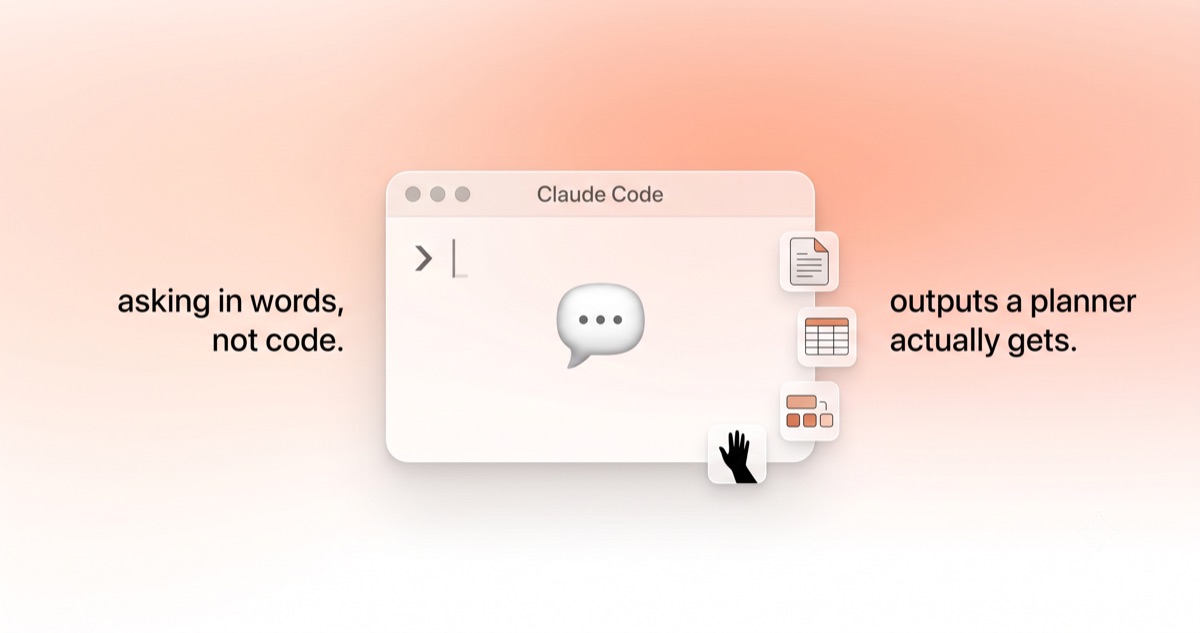
Claude Code is an AI coding agent from Anthropic. Two things define it. First, you drive it in natural language — you ask in words, not code. Second, it's an agent — it doesn't just answer, it opens files, reads them, tidies them, and creates new ones on its own.
Why does this matter to a product manager? Until now, "how does our product actually work" was something you could only learn by asking a developer. Claude Code acts as a translator that reads that code and documentation for you and explains it in human terms. It doesn't demand coding skill — it demands the ability to ask what you want to know. That is a product manager's day job.
Five Things You Can Do Without Code
Get past the terminal's intimidating look, and there's plenty a product manager can use right away.
1. Ask Questions of Your Own Codebase
The most powerful use. Open your team's repository (the folder where the code lives) and ask: "where is account deletion handled?" or "where does the data on this screen come from?" Claude Code finds the relevant files and summarizes them in plain language. Great for gathering context before a meeting, or sharpening the questions you'll ask a developer.
The good news: even a vague question, Claude Code usually gets just fine. Narrowing it a little only shortens the path to the answer and lands you where you want in one go. So there's no reason to hesitate — use the contrast below as a nudge, ask freely, and get comfortable with practice.
| Perfectly fine to ask | Narrow it like this for a faster answer |
|---|---|
| "explain this code" | "walk me through the signup flow step by step, and which file handles each step" |
| "why isn't this working?" | "when a payment fails, what message shows, and where is that handled?" |
| "fix this bug" | "after login the screen goes blank — trace the related flow and point out likely causes (don't change anything)" |
| "how's this feature?" | "there's feedback that this screen is slow — check where and how many times it loads data" |
The principle is simple: name the screen, feature, or symptom, and ask "where is it handled." You don't have to phrase it perfectly the first time. Ask freely, and if the answer seems to wander, narrow the target and ask again. After a few tries it becomes second nature — and it's the same practice that works when you ask a developer, too.
2. Draft Docs and Release Notes
Say "read what changed this sprint and draft release notes," and it skims the change history to produce a draft. Same for a README, a feature spec, or cleaned-up meeting notes. Use it for the draft, not the final — a person still polishes.
3. Tidy Data and Files
It's strong at the busywork of cleaning up spreadsheets, logs, and text files. "Pull just last month's signups from this CSV and summarize," or "count how many errors show up in this log" — requests you can make in plain words, no code.
4. Turn an Idea Into a Prototype
You can turn an idea in your head into a working draft to hand a developer. Even a rough "make a quick version of this screen" prototype carries your intent far more precisely than explaining it a hundred times in words. Shipping it for real, of course, stays with the engineering team.
5. Automate Repetitive Work
Batch-renaming files, extracting a specific field across many documents, reformatting — you can hand off the repetitive chores. This is the same spirit as the "less hands-on operation" in our piece on changing a rule without a deploy, the closed loop — people on judgment, repetition on the tool.
How to Get Started
The most common myth is "installing it is already hard." In reality there are several on-ramps.
- Access: Claude Code runs on a Claude Pro ($20/month) or Max subscription, a company Team/Enterprise seat, or an API Console account. If your company already uses Claude, you can use that same account.
- Easiest start: If installing in the terminal feels like a lot, start in the browser (claude.ai/code) or the desktop app. It also plugs into IDEs like VS Code as an extension.
- First command: It needn't be grand. Open a project folder and just ask, "explain what this project does."
The Line a Product Manager Should Hold — Altitude
However appealing Claude Code is, there are lines not to cross.
- Deploys and merges belong to developers: Claude Code can change code, but the decision to put that into the real product is made — and reviewed — by a person, specifically a developer. What a PM makes stays a draft or prototype.
- Permissions and security: Since it handles company code and data, which repositories you open and what you ask must stay within team rules.
- Verify the output: Summaries and numbers the AI produces get fact-checked. For data and documents especially, insert a human check. This is the same theme as "deciding what to delegate, and how far, is planning too," from our post on MCP, connecting AI to tools.
Not Coding, but Knowing What to Ask
Claude Code for non-developers, in one line: what you need is not coding skill but the ability to ask clearly what you want to know and what you want to build. That has always been what product managers do best.
Next time the engineering team says "you'd see it if you looked at the code," don't feel the wall — open the repository and ask Claude Code, "what does this feature do?" That single question deepens the conversation with your developers by a level.