Codex Korean Setup Guide — Fixing UTF-8 Encoding on Windows, Mac, and Linux
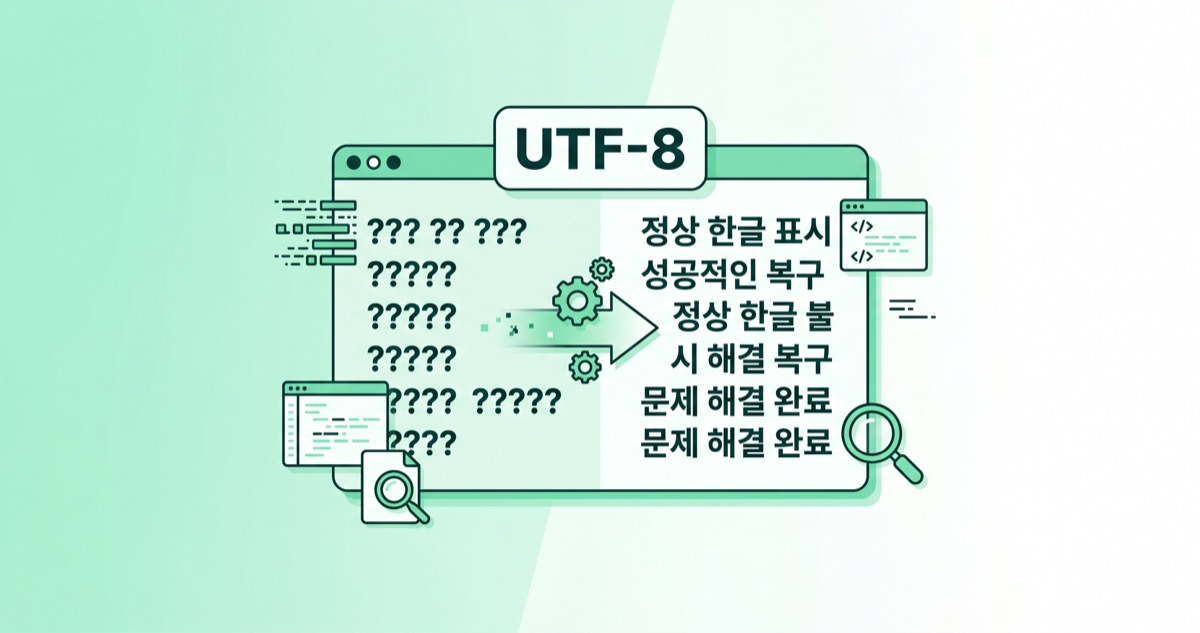
Korean text garbling in Codex CLI comes down to encoding settings. Here’s how to fix it with system locale, PowerShell, and config.toml — OS by OS.
Part 2: Codex vs Claude Code
Part 3: CLI Install Troubleshooting
Part 4: Error Messages Guide
▶ Part 5: Korean UTF-8 Setup Guide (this post)
Part 1 analyzed why Korean text breaks in Codex, and Part 4 covered error message troubleshooting. This post is the practical fix guide — how to set up Codex for Korean text, OS by OS. Not "why it breaks" but "how to fix it."
The Core Codex Korean Setup Problem — Code Pages
Codex CLI uses UTF-8 internally. The problem is that when Codex spawns shell commands, it inherits the operating system's code page. On Korean Windows, the default code page is CP949 (EUC-KR). When Codex outputs UTF-8 Korean text and the shell interprets it as CP949, you get garbled characters.
This is documented in GitHub Issue #7290: "Even with PowerShell 7 set to UTF-8 and VS Code configured to UTF-8, Codex reverts to the system codepage when spawning shells."
Windows Codex Korean Setup — Three-Step Fix
Windows is where the Codex Korean setup causes the most problems. Apply these three fixes in order.
Step 1: Change System Locale (Most Permanent)
Settings → Time & Language → Language & Region → Administrative Language Settings → Change System Locale → check "Beta: Use Unicode UTF-8 for worldwide language support." Reboot required.
This sets the system-wide code page to 65001 (UTF-8). Available on Windows 10 1903+ and Windows 11. Caveat: some legacy ANSI-only programs may break.
Step 2: PowerShell Profile Encoding
Add the following to your PowerShell profile ($PROFILE):
[code lang="powershell"] [Console]::OutputEncoding = [System.Text.Encoding]::UTF8 $OutputEncoding = [System.Text.Encoding]::UTF8 [/code]
This is more reliable than chcp 65001, which only affects the current CMD session and resets when you open a new window. The PowerShell profile applies automatically to every session.
Step 3: config.toml Locale Override
Codex CLI's configuration file is ~/.codex/config.toml. Add the following to force the Korean UTF-8 locale on shells that Codex spawns:
[code lang="toml"] [shell_environment_policy] inherit = "core"
[shell_environment_policy.overrides] LANG = "ko_KR.UTF-8" [/code]
Note: there is no dedicated encoding setting in Codex (GitHub Issue #4013). Since Codex uses UTF-8 internally, the problem is always on the OS/shell side.
Mac Codex Korean Setup
macOS defaults to UTF-8, so most setups work out of the box. One known issue: the Codex sandbox forces LC_ALL=C.UTF-8, but macOS doesn't ship the C.UTF-8 locale natively (GitHub Issue #9354). This can trigger bash setlocale warnings.
Fix: add this to ~/.codex/config.toml:
[code lang="toml"] [shell_environment_policy.overrides] LANG = "ko_KR.UTF-8" [/code]
Linux Codex Korean Setup
Linux works without additional configuration if your system locale is UTF-8. Verify with:
[code lang="bash"] locale
LANG=ko_KR.UTF-8 or en_US.UTF-8 means you're fine
[/code]
If it's not UTF-8:
[code lang="bash"] sudo locale-gen ko_KR.UTF-8 sudo update-locale LANG=ko_KR.UTF-8 [/code]
Additional Codex Korean Setup Issues to Watch
Even after completing the Codex Korean setup, some issues may persist:
- Korean IME input glitches: The Codex TUI flickers or drops characters during Korean composition. The TUI's full-screen re-render interrupts IME composition state (GitHub Issue #4870)
- UTF-8 BOM problem: Codex writes UTF-8 BOM by default, which can corrupt CJK content (GitHub Issue #15967)
- Legacy EUC-KR files: Codex corrupts files encoded in CP949/EUC-KR when it edits them through its UTF-8-only patch path. Convert before using Codex:
[code lang="bash"] iconv -f euc-kr -t utf-8 input.txt > output.txt [/code]
Codex Korean Setup Checklist
| Item | Windows | Mac | Linux |
|---|---|---|---|
| System UTF-8 | Locale change required | Default OK | Verify with locale |
| PowerShell/shell | Add UTF8 to profile | Not needed | Not needed |
| config.toml LANG | Recommended | Recommended (C.UTF-8 fix) | Optional |
| IME composition | Known issue | Known issue | Works |
| BOM issue | Watch out | Watch out | Watch out |
| EUC-KR files | iconv first | iconv first | iconv first |
The bottom line for Codex Korean setup is unifying the system code page to UTF-8. Codex only speaks UTF-8, so once the OS side matches, most Korean garbling disappears. Next up: what to do when Codex goes down — switching to Claude Code or Gemini CLI.