What to Do When Codex Goes Down — Switching to Claude Code and Gemini CLI
When Codex is down, you need a backup CLI ready. This guide covers Claude Code and Gemini CLI setup so you can switch in under a minute.
Part 2: Codex vs Claude Code
Part 3: CLI Install Troubleshooting
Part 4: Error Messages Guide
Part 5: Korean UTF-8 Setup
▶ Part 6: Codex Outage Backup Guide (this post)
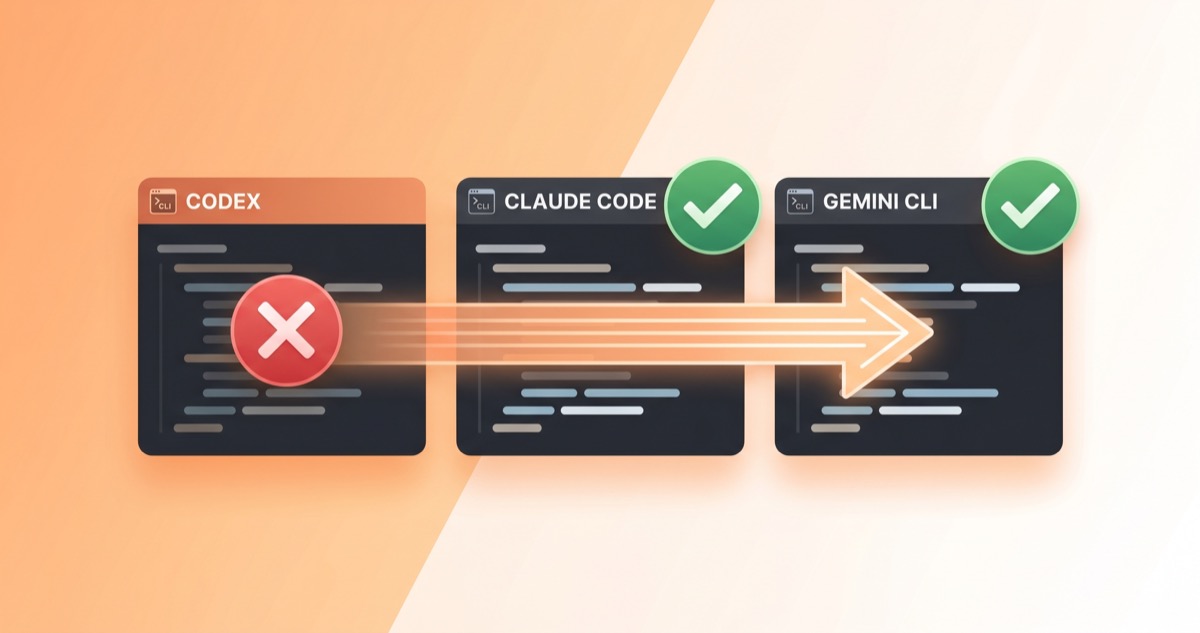
The most dangerous moment in an AI-dependent workflow is when the tool stops responding. As the recent Claude outage pattern showed, any service can go down. Codex is no exception. This guide covers how to switch to Claude Code or Gemini CLI the moment a Codex outage hits.
How to Check if It's a Codex Outage
When Codex stops responding, first determine whether it's your environment or a service outage.
- Official status page: status.openai.com — tracks Codex Web, App, API, and CLI separately
- Third-party monitoring: StatusGator and IncidentHub also track Codex status
- Quick test: If ChatGPT web works on the same network but Codex CLI doesn't, it's a Codex-specific outage. If both are down, it's an OpenAI-wide issue
Backup 1: Claude Code CLI
Installation
[code lang="bash"]
Native installer (recommended — no dependencies)
curl -fsSL https://claude.ai/install.sh | bash
Homebrew (stable channel, ~1 week behind)
brew install --cask claude-code [/code]
Supports macOS 13+, Ubuntu 20.04+, Windows 10+ (WSL). Requires 4GB+ RAM (8GB recommended). Anthropic account needed (Pro $20/month or higher).
First Run
[code lang="bash"] cd /your-project claude
Authenticates via browser, then ready to use
[/code]
If you have a CLAUDE.md at the project root, Claude Code reads it automatically for project context.
Why Claude Code Works Well During a Codex Outage
- Strong at multi-file refactoring and dependency tracking
- Better results on frontend/React work than Codex
- Interactive — asks clarifying questions, which suits complex debugging
Backup 2: Gemini CLI
Installation
[code lang="bash"] npm install -g @google/gemini-cli [/code]
Requires Node.js 20+. You can use Gemini 2.5 Pro for free with a personal Google account.
First Run
[code lang="bash"] cd /your-project gemini
Authenticate with Google account
[/code]
Gemini CLI Features
- 1 million token context window — handles large codebases
- Google Search grounding built in — references latest docs in real time
- Apache 2.0 open source — github.com/google-gemini/gemini-cli
- MCP support for external tool integration
Quick CLI Comparison
| Feature | Codex CLI | Claude Code | Gemini CLI |
|---|---|---|---|
| Install | npm i -g @openai/codex | Native installer | npm i -g @google/gemini-cli |
| Node required | 22+ | None | 20+ |
| Auth | ChatGPT account | Anthropic account | Google account |
| Free tier | No (Plus or higher) | No (Pro or higher) | Yes (personal account) |
| Open source | Yes | Yes | Yes (Apache 2.0) |
| Status page | status.openai.com | status.anthropic.com | — |
Practical Switching Tips for a Codex Outage
Prepare Before the Outage
Set these up before a Codex outage happens:
- Pre-install and authenticate Claude Code and Gemini CLI. Installing during an outage wastes time
- Create project context files for each tool —
CLAUDE.mdfor Claude Code,GEMINI.mdfor Gemini CLI - Commit current work to git before switching. A clean starting point makes tool transitions smooth
Watch Out During the Switch
- Conversation history doesn't transfer between tools — you'll need to re-explain the context from scratch
- Interaction models differ — Codex runs autonomously after receiving instructions, Claude Code is conversational and asks questions, Gemini CLI falls in between
- Don't run two tools on the same branch simultaneously — you'll get git conflicts. Commit your current work before switching
The Codex Outage Bottom Line
Single-tool dependency is a risk. When a Codex outage hits, having Claude Code or Gemini CLI pre-installed means switching takes under a minute. The next post covers using Codex and Claude Code together as a daily workflow — not just for emergencies, but as a productivity strategy.