Grok May 2026 Updates — Imagine, Connectors, Build CLI, and Skills in One Place
May 2026 was xAI’s busiest month yet. Grok May 2026 updates covered five major releases — Imagine Agent Mode, Connectors, Build CLI, model migration, and Skills — all in one stretch.
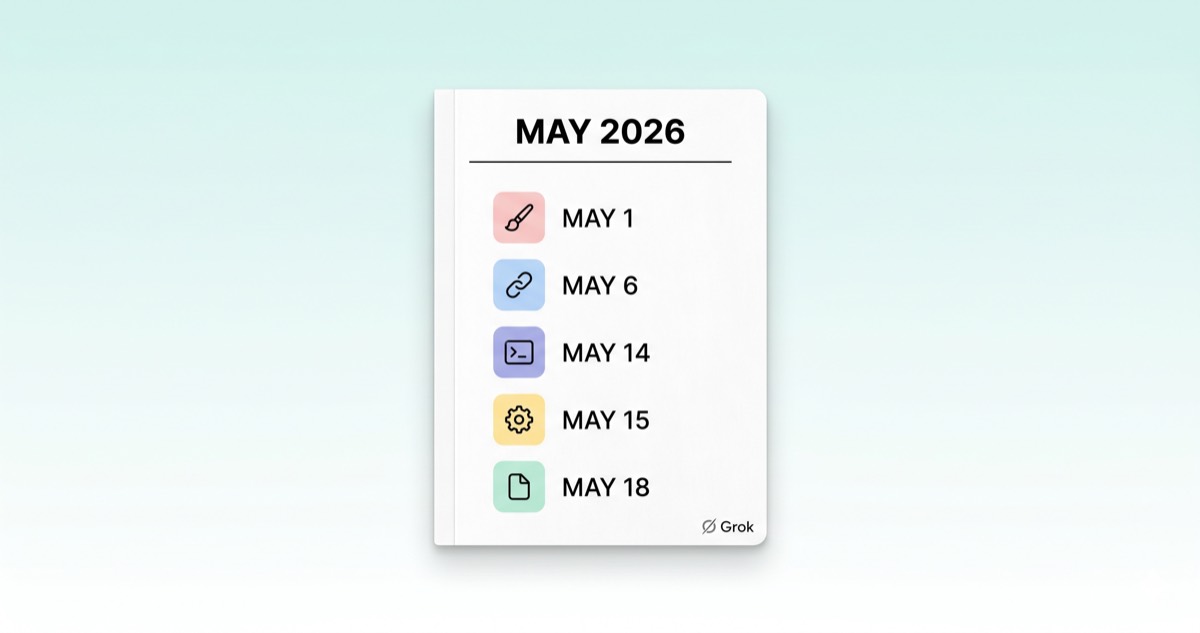
May 2026 — The Month xAI Moved the Most
Grok May 2026 updates didn't arrive as a single announcement. Over a four-week stretch, xAI shipped five major releases, each landing on a different week and targeting a different kind of user. Designers got Imagine Agent Mode. Knowledge workers got Connectors and Skills. Developers got Build CLI and a model migration.
This post pulls all of them into one place, in chronological order. For each release we look at what it is, who it changes things for, and how it fits next to existing Grok features like Custom Instructions and Custom Agents.
Grok May 2026 Updates at a Glance — Six Drops in One Month
| Date | Release | One-liner | Who it's for |
|---|---|---|---|
| May 1 | Imagine Agent Mode (Beta) | Infinite-canvas workspace where one instruction plans, generates, and edits images and videos | Designers, creators |
| May 6 | Connectors (initial) | SharePoint, Notion, GitHub, Linear, and more brought into the chat | Knowledge workers, teams |
| May 14 | Grok Build CLI Beta | Terminal-based AI coding agent | Developers |
| May 15 | Eight models retired | grok-code-fast-1 → grok-build-0.1, others → grok-4.3 | API users |
| May 18 | Skills | Persistent workflows defined in natural language, applied across every chat + native document generation | Everyone |
| May 22 | Connectors (expansion) | Vercel, Canva, Gamma, S&P Global + bring-your-own MCP server | Developers, enterprises |
Imagine Agent Mode (May 1) — Infinite Canvas for Images and Video
Imagine Agent Mode is the beta that Elon Musk announced on May 1, 2026. It's a separate interface inside the Grok web app that replaces the familiar chat-style prompt-and-response loop with an infinite canvas workspace.
The flow is simple. Describe the result you want once, and the agent unfolds that single instruction into a plan → generate → edit sequence. It isn't limited to one image, either: batch image generation, static-to-video conversion, and stitching six-second clips into a longer film all happen inside the same canvas.
Four preset templates help users get going quickly:
- Create Worlds — speculative world-building concepts
- Short Film — short video sequences
- UGC Product Stories — product-centered content
- Brand Identity — consistent brand assets
Because the agent carries context across steps, you don't have to rewrite a prompt from scratch for every iteration. Access is paid-account only, and pricing follows the Grok 4.3 model rates ($1.25 per 1M input tokens, $2.50 per 1M output tokens). There's no free tier during the beta.
Connectors (May 6, expanded May 22) — Bringing Outside Apps Into Grok
Connectors launched on May 6 and expanded on May 22. In short, they're the channel that pulls external SaaS data directly into a Grok chat. Full details are available on xAI's Connectors announcement page.
The initial May 6 release supported:
- Microsoft side — SharePoint, Outlook, OneDrive
- Google side — Google Workspace (Drive, Gmail, Calendar)
- Collaboration and docs — Notion, GitHub, Linear
The May 22 expansion added:
- Vercel, Canva, Gamma, S&P Global
There's one more piece that matters even more for teams with custom internal tooling. Bring Your Own MCP — connect a Model Context Protocol server your team runs to Grok, and your internal knowledge base or proprietary APIs become available as chat context. Any tool outside the SaaS list can plug in the same way, as long as it speaks MCP.
What is MCP? MCP (Model Context Protocol) is an open standard released by Anthropic in late 2024. It defines how an AI model talks to external tools and data sources in a consistent way — often described as "USB-C for AI tools." Build one MCP server, and any MCP-capable AI tool — Claude, Grok, and others — can connect to it the same way. That portability is the point.
Connectors are live on Grok Web, iOS, and Android. Pulling yesterday's SharePoint meeting notes or summarizing a GitHub issue from your phone is now a single chat away.
Grok Build CLI (May 14) + Model Cleanup (May 15) — Terminals and Migration
The Grok Build CLI entered beta on May 14, 2026. It's a terminal-based AI coding agent in the same category as Claude Code and Codex CLI, with native CLAUDE.md support and OpenRouter routing for external models as its main differentiators. Install command, authentication, first run with code/plan/ask modes, and file/image attachment behavior all live in the dedicated guide — Grok Build CLI — Install, Authenticate, and First Run.
Almost simultaneously, a large model cleanup went into effect. At 12:00 PM PT on May 15, eight models were retired. grok-code-fast-1 auto-routes to grok-build-0.1, while most others redirect to grok-4.3. Existing API calls keep working without code changes, but pricing now follows grok-4.3 rates, so teams that care about predictable budgets should explicitly update model names in their code.
Skills (May 18) — Teach Once, Apply Everywhere
Skills, released on May 18, gives Grok persistent workflow memory. Teach Grok a workflow once, and that workflow applies automatically in every future chat — across web, iOS, and Android.
Custom Instructions used to be the static layer: a single set of background rules covering tone and basic preferences. Skills sits a step above that as a reusable behavior unit. Define a skill once in natural language (or by uploading reference files), and Grok activates it whenever the workflow fits, without you re-stating the instructions each session.
The standout capability is native document generation. Skills-equipped Grok produces ready-to-share files in standard formats:
- Word documents (
.docx) - PowerPoint presentations (
.pptx) - Excel spreadsheets (
.xlsx) - PDF documents
Previously, you'd take a chat output and reformat it manually in a desktop app. Skills absorbs that step into the chat itself. This is the release where xAI's strategy of repositioning Grok from "chat model" to "productivity hub" shows up most clearly.
How Skills and Connectors Sit Next to Custom Instructions and Custom Agents
If you've already worked through the Grok Custom Instructions guide or the 4-slot Custom Agents strategy, it helps to map how May's additions interlock with what you already have.
Layered model
| Layer | Role | Added |
|---|---|---|
| Custom Instructions | Static background rules for every chat (tone, intro, basic preferences) | Jan 2026 |
| Custom Agents (up to 4) | Named personas with their own personality, picked at chat start | Mar 4, 2026 |
| Skills | Reusable workflows defined in natural language, auto-activated | May 18, 2026 |
| Connectors | External SaaS access | May 6 / 22, 2026 |
These features don't compete — they sit on different layers. Custom Instructions sets default tone, Custom Agents lets you pick a persona, Skills define reusable workflows, and Connectors handle external data access. If you already have four Custom Agents configured, you can extend each of them by attaching Skills that auto-fire when a matching workflow comes up.
Three Scenarios — Putting Grok May 2026 Updates to Work
Reading feature lists in isolation can feel abstract. Here are three short scenarios that combine multiple May releases into one flow.
Scenario 1 — Designer
Imagine Agent Mode + Connectors (Canva, Gamma) + Skills (brand guide). Register the company's brand colors, fonts, and tone once as a Skill → pull Canva assets through Connectors → use Imagine to generate campaign image and video sequences. No need to re-explain the brand guide every time.
Scenario 2 — Knowledge worker
Connectors (SharePoint, Notion, Outlook) + Skills (report format). Pull yesterday's meeting notes from SharePoint, then have Grok generate a Word document using the "weekly report format" defined in a Skill. An email draft can come out in the same flow.
Scenario 3 — Developer
Grok Build CLI + Connectors (GitHub, Linear) + bring-your-own MCP. Bring Linear issues in as context, let Grok Build auto-scan the related GitHub repo, then have it propose changes in plan mode from the terminal. External systems plug in without leaving the CLI.
What's Next
This guide pulled Grok May 2026 updates into a single hub view. The next post zooms back in on the most direct change for developers — a hands-on comparison of Grok Build CLI vs. Claude Code vs. Codex CLI in a Korean-language environment, with a decision table at the end for picking the right tool for each kind of work.